
If you just launched your e-commerce store, the logistics configuration page can feel like a maze. A fundamental bottleneck for new merchants is understanding how does shopify shipping work beneath the surface. Specifically, operators are confused by the massive difference between the shipping rate a customer pays at checkout and the actual cost to physically dispatch that printed label. Let’s demystify these backend mechanics and third-party logistics to protect your profit margins at scale.
Shopify Shipping, introduced in 2015, acts as a vital software layer for managing checkout rates, labels, and fulfillment coordination. This integration allows merchants to streamline their shipping processes directly within the Shopify admin. With major carriers like USPS, UPS, and FedEx, businesses can save significantly on shipping costs, making it easier to offer competitive rates.
As shipping plays a crucial role in conversion rates, understanding these backend mechanics is essential. Reports show that a large percentage of customers abandon their carts due to unexpected shipping costs. By demystifying these elements, merchants can better protect their profit margins and enhance customer satisfaction.
Key Takeaways
- Shopify Shipping integrates shipping processes within the admin interface.
- Understanding the difference between checkout rates and actual shipping costs is crucial.
- Major carriers offer significant discounts to merchants.
- Shipping impacts customer conversion rates significantly.
- Merchants can utilize various shipping options, including free and flat-rate shipping.
How Does Shipping Work with Shopify? (The Step-by-Step Flow)
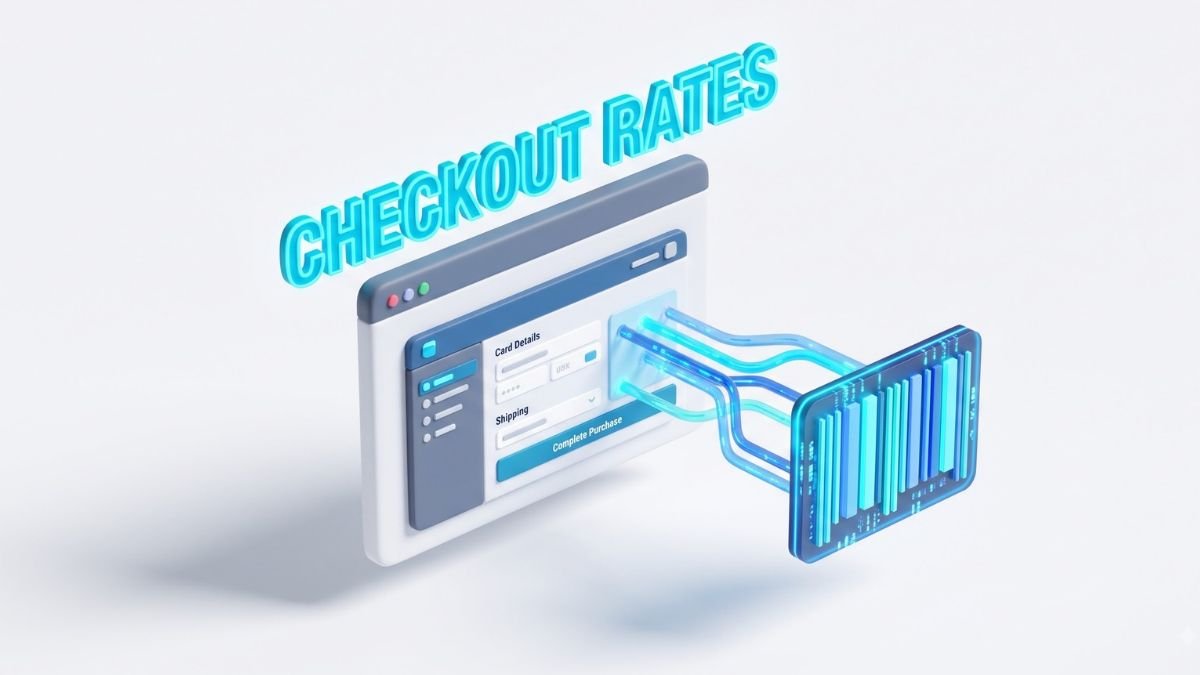
Navigating the complexities of e-commerce logistics can be a challenge for many merchants. Understanding the shipping process is crucial for e-commerce success. There are three key stages: frontend checkout rate calculation, backend label generation, and the physical handoff to carriers.
Frontend Checkout Rate Calculation
During checkout, Shopify calculates shipping rates based on product weight, package dimensions, destination, and selected carrier services. The system sends the origin, destination, weight, and dimensions to the carrier’s API. If merchants haven’t assigned specific packaging, Shopify uses default package sizes, which can impact the calculated rates.
Backend Label Generation Process
Once an order is unfulfilled, the merchant confirms the package weight, selects a shipping service, and buys the label. Shopify allows the purchase and printing of up to 250 shipping labels at once. This process also generates necessary customs forms, HS codes, and packing slips to streamline operations.
Physical Package Handoff to Carriers
After label generation, the merchant must physically hand off the package to the selected carrier. Options include drop-off at designated locations or scheduling pickups through USPS, UPS, or DHL Express. Each carrier has its own delivery timelines, with USPS Ground Advantage typically delivering in 2-5 business days, while UPS Ground and DHL Express offer even faster options.
| Carrier | Delivery Time | Shipping Insurance |
|---|---|---|
| USPS Ground Advantage | 2-5 business days | Up to $200 for eligible stores |
| UPS Ground | 1-5 business days | Not included |
| DHL Express Worldwide | 1-3 business days | Not included |
Does Shopify Ship for You? (Software vs. Physical Fulfillment)

E-commerce logistics often present a complex landscape for business owners. Understanding this distinction is crucial for effective order management. Shopify is a SaaS platform, which means it does not physically ship products. Instead, it provides the tools to manage orders, labels, and shipping rates.
Merchants or external partners handle the actual fulfillment. For instance, ShipBob can store inventory, pick and pack orders, and manage returns through workflows connected to Shopify. This integration simplifies the logistics process and enhances efficiency.
On the other hand, Shiprocket serves as a logistics technology option. It connects various carrier services to Shopify, enabling merchants to choose the best delivery options based on their needs. As the US 3PL market approaches $323.4 billion by 2025, leveraging external fulfillment becomes increasingly important as order volumes rise.
In summary, while Shopify facilitates order management, it is the 3PLs that execute the physical logistics. This distinction is vital for merchants to understand who owns inventory and is responsible for the shipping process.
| 3PL Provider | Services Offered | Integration with Shopify |
|---|---|---|
| ShipBob | Inventory storage, order picking, packing, returns | Seamless |
| Shiprocket | Carrier connection, logistics management | Easy integration |
| Flexport | Global logistics, customs management | Available |
How to Choose Between Native Carrier Rates and Logistics Apps

Understanding the shipping landscape is essential for successful e-commerce. Merchants often face a challenge known as the dimensional-weight gap. This gap occurs when the package dimensions estimated at checkout differ from the actual package size shipped.
For example, if a merchant charges a $7 flat rate, but the carrier label costs $9, this discrepancy leads to margin bleed. This situation is common when using a default Shopify package size that underestimates multi-item orders. According to Baymard, 40% of US checkout abandonments involve unexpected costs, highlighting the importance of accurate rate calculations.
Moreover, AlixPartners found that 94% of consumers consider free shipping a critical factor in their purchase decisions. For straightforward catalogs and predictable packaging, native Shopify rates may suffice. However, when products require cartonization or multi-item optimization, logistics apps or 3PL integrations become necessary.
| Feature | Native Shopify Rates | 3PL Apps |
|---|---|---|
| Best for | Simple catalogs | Complex shipping needs |
| Cost accuracy | Standardized | Negotiated rates |
| Flexibility | Limited | High |
Managing logistics in e-commerce can feel like navigating a complex maze. For merchants, understanding the setup process is crucial for seamless operations. The configuration begins in the Shopify admin under Settings > Shipping and delivery.
Start with accurate product weights, fulfillment locations, and package dimensions. This ensures that checkout rates reflect true shipping costs. Next, create shipping zones by grouping countries or regions. Assign free shipping, flat rate, or carrier-calculated services to each zone.
Merchants can also add saved packages through the same settings. This includes defining package types, exterior dimensions, and tare weights. For products that require special handling, configure product-specific shipping profiles.
When fulfilling orders, merchants can open the Orders section, select Create shipping label, confirm package weight, and purchase the service. This process allows for printing shipping labels directly. Don’t forget to include options for local pickup and delivery, as well as tracking notifications and returns to enhance customer satisfaction.
Integrating Third-Party Logistics (3PL) with Shopify
The logistics landscape in e-commerce can often feel like a labyrinth for new merchants. Integrating third-party logistics (3PL) can streamline operations and enhance scalability. A well-chosen 3PL partner reduces internal labor by handling inventory management, order fulfillment, and returns.
Utilizing Shopify’s multi-location routing, businesses can optimize delivery times and minimize split shipments. This capability allows merchants to access nearby inventory, improving shipping delivery economics. With the US 3PL market projected to reach $323.4 billion by 2025, the importance of efficient logistics is clear.
When selecting a 3PL partner, evaluate key factors:
- Inventory Synchronization: Ensure real-time updates between your store and the 3PL.
- Order Routing: Assess capabilities for managing multiple shipping locations.
- Carrier Access: Look for providers with extensive carrier networks.
- Returns Processing: Efficient returns workflows can enhance customer satisfaction.
- Operational ROI: Compare service costs against potential savings and efficiency gains.
| 3PL Provider | Services Offered | Geographic Coverage |
|---|---|---|
| ShipBob | Inventory storage, order fulfillment, returns | North America, Europe |
| Shiprocket | Logistics management, carrier connection | India, International |
| Flexport | Global logistics, customs management | Worldwide |
| Amazon Multi-Channel Fulfillment | Fulfillment, storage, returns | Global |
| DHL Fulfillment Network | Order fulfillment, shipping | 220+ countries |
Optimizing Shipping Costs Through Accurate Package Data
Accurate package data is the backbone of efficient shipping operations. To optimize costs, merchants must focus on precise configurations of package sizes and dimensions. By doing so, they can effectively manage shipping rates and enhance overall profitability.
Begin by measuring the exterior length, width, height, and packaging weight for every common carton. Avoid relying on nominal manufacturer dimensions. Assign product-specific packages where single-item orders often ship in a carton different from the general default package.
Configuring Default Package Sizes and Dimensions
Utilizing Shopify, merchants can assign specific packages to products and variants. This feature is essential for accurate shipping rates. Testing multi-item carts against actual packed cartons is also crucial. Dimensional weight can increase carrier charges, even if the physical product weight remains unchanged.
Techniques to Mitigate Dimensional Weight Discrepancies
Regularly review USPS changes effective July 12, 2026, which include revised dimensional-weight calculations and new hazardous-material fees. Compare checkout rates with purchased labels weekly, segmenting variance by SKU, package type, destination, and carrier service.
Finally, implement cartonization rules, carrier-specific packaging, and minimum order thresholds. These strategies will help protect your contribution margin while offering competitive shipping options to customers.
Leveraging Visual Guides for Technical Setup
E-commerce logistics require a clear grasp of technical setups for smooth operations. Utilizing visual aids can significantly enhance understanding. Diagrams illustrating the shipping flow can clarify the various stages involved, from checkout to carrier handoff.
To optimize the process, it’s essential to visualize key components:
- Checkout API Request: Shows how origin, destination, package dimensions, product weight, and selected services interact to display rates.
- Label Generation: A separate branch where the merchant confirms the parcel, purchases the label, and prints necessary documentation.
- Physical Handoff: Illustrates the transfer of packages to USPS, UPS, and DHL, highlighting their typical delivery times of 2-5, 1-5, and 1-3 business days, respectively.
- Tracking Synchronization: Demonstrates how tracking events are updated from carrier acceptance through to delivery.
By incorporating these visual guides, merchants can better understand the shipping process and enhance their operational efficiency.
| Carrier | Delivery Time | Label Creation |
|---|---|---|
| USPS Ground Advantage | 2-5 business days | Up to 250 labels at once |
| UPS Ground | 1-5 business days | Up to 250 labels at once |
| DHL Express Worldwide | 1-3 business days | Up to 250 labels at once |
Conclusion
The journey of managing an online store is filled with intricate details, especially in logistics. While Shopify Shipping launched in 2015, merchants still hold responsibility for accurate products, packages, and execution.
Native Shopify excels when package dimensions and shipping zones are predictable. However, a dimensional-weight mismatch can quickly turn a $7 shipping charge into a $9 label cost, leading to margin loss.
External providers like ShipBob and Flexport become essential as order complexities grow. They help manage inventory and streamline returns effectively.
Utilizing current data from sources like Baymard and AlixPartners allows for optimizing rates while maintaining delivery transparency. Proper implementation ensures that checkout rates are accurate, labels are valid, and physical handoffs are accountable.

Pingback: Building a High-Speed Shopify Dropshipping Store: A Developer’s Playbook
Pingback: Ecommerce Warehousing: The Complete Guide to Setup, Operations & Best Practices -