You built your Shopify store. You added products, set up your pages, and waited for sales to roll in. But the orders aren’t coming or they’re trickling in so slowly it feels like something’s broken.
Here’s the thing: getting sales on Shopify isn’t about luck or having the flashiest design. It comes down to a handful of strategies that work together driving the right traffic, turning visitors into buyers, and keeping customers coming back.
This guide is for you if you’re a new or growing Shopify store owner who’s tired of guessing what actually moves the needle. You’ll learn how to boost Shopify conversions by fixing the leaks in your funnel, how to reduce cart abandonment with smarter checkout optimization, and how to use upsells and retention tactics to squeeze more revenue from every customer you already have.
No fluff. No vague advice. Just nine proven Shopify sales strategies you can start using today.
Diagnosing the Leak: Traffic Quality vs. Funnel Friction
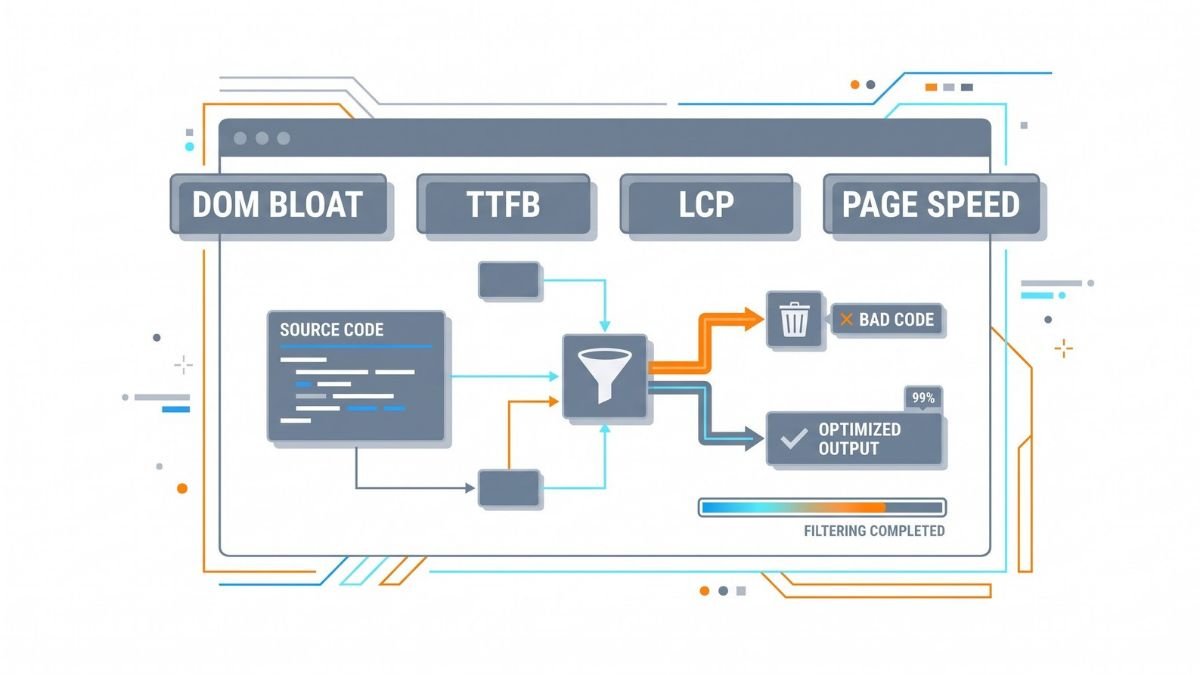
How to Audit Your Shopify Speed Score and DOM Bloat
Your store’s speed score isn’t just a vanity metric it directly affects conversion rates. A one-second delay in page load can drop conversions by up to 7%. Here’s how to dig in:
Run a real audit, not just Shopify’s built-in score:
-
Open PageSpeed Insights and test your homepage, a collection page, and your best-selling product page separately
-
Focus on Time to First Byte (TTFB) and Largest Contentful Paint (LCP) these are the metrics that actually hurt sales
-
Pull up Chrome DevTools → Network tab → reload the page and sort by file size
Common DOM bloat culprits on Shopify stores:
| Issue | What to Look For | Fix |
|---|---|---|
| Unused apps | Scripts loading from deleted apps | Remove via theme code, not just app dashboard |
| Heavy hero images | Images over 200KB above the fold | Compress with Squoosh or convert to WebP |
| Redundant scripts | Multiple jQuery versions loading | Consolidate via theme.liquid |
| Third-party chat widgets | Late-loading, render-blocking scripts | Load them asynchronously |
Check your theme.liquid file for leftover script tags from apps you’ve already uninstalled this is one of the most overlooked speed drains.
Identifying Drop-Offs Using Google Analytics 4 (GA4) for Shopify
GA4’s funnel exploration tool is where you actually find the leak. Don’t guess where customers are leaving map it.
Setting up a purchase funnel in GA4:
-
Go to Explore → Funnel Exploration
-
Add these steps in sequence:
page_view(homepage) →view_item→add_to_cart→begin_checkout→purchase -
Set the date range to at least 30 days for meaningful data
What the drop-off data tells you:
-
High drop at
view_item: Product pages aren’t building enough trust check image quality, reviews, and pricing clarity -
High drop at
add_to_cart: Customers are interested but something’s stopping them shipping cost reveal, unclear sizing, or no urgency -
High drop at
begin_checkout: Forced account creation or a confusing checkout flow is killing the sale
Cross-reference your funnel data with session recordings from tools like Microsoft Clarity (free) to watch exactly where users hesitate or rage-click. Numbers tell you what is happening; recordings tell you why.
Technical Checkout & Abandonment Recovery
Upgrading to Shopify Checkout Extensibility to Remove Friction
Shopify’s legacy checkout customization relied on editing checkout.liquid, which was clunky, brittle, and got deprecated in 2024 for most stores. Checkout Extensibility replaces that with a cleaner, app-block-based system that lets you modify the checkout experience without touching core code.
Here’s what that unlocks in practice:
-
Trust badges and security seals injected directly into the payment step reducing last-second hesitation
-
One-page checkout with condensed address, shipping, and payment fields on a single screen
-
Custom fields for gift messages or delivery instructions without breaking Shopify’s native flow
-
Post-purchase upsell pages served immediately after payment confirmation, keeping the buyer in a buying mindset
The biggest friction killers to tackle first:
| Friction Point | Fix via Extensibility |
|---|---|
| Too many form fields | Enable autofill, remove unnecessary fields |
| No guest checkout prominence | Surface guest option above account login |
| Unexpected shipping costs | Show estimated shipping earlier in cart |
| Slow page load at checkout | Remove redundant third-party scripts |
Run a session recording tool like Hotjar on your checkout pages for at least two weeks. You’ll spot drop-off patterns that data alone won’t reveal.
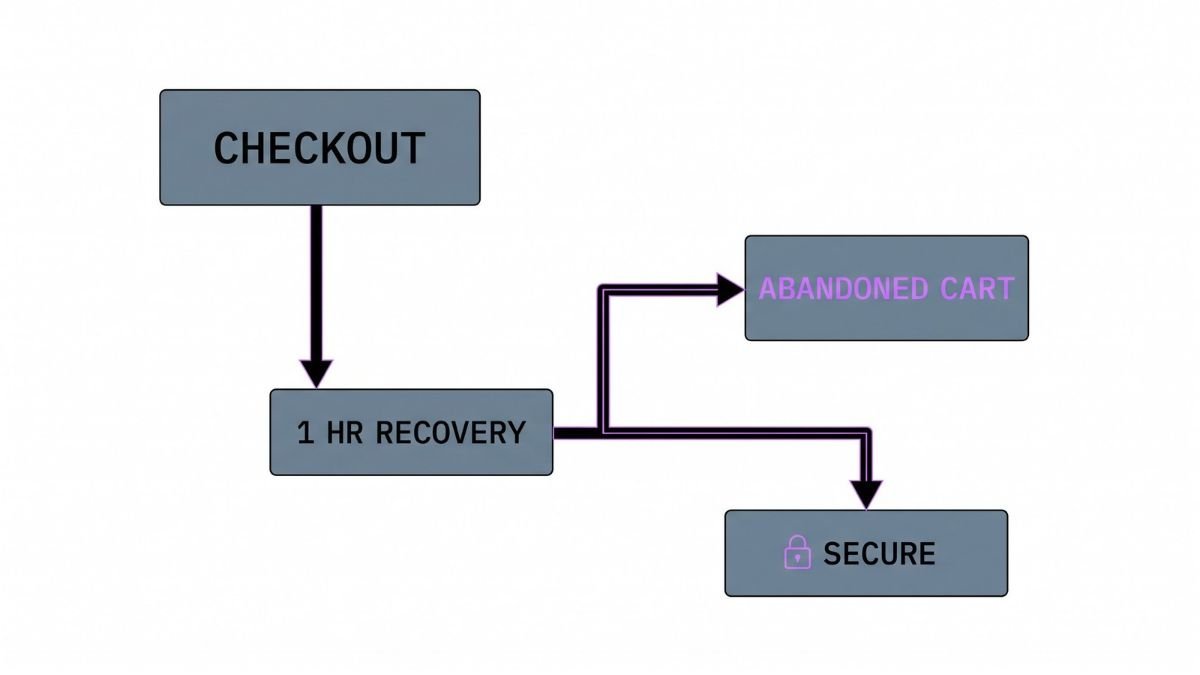
Triggering Automated Cart Recovery via Klaviyo or Omnisend
Roughly 70% of shoppers who reach the cart never complete their purchase. That’s not a lost cause it’s a recoverable revenue pool, if you move fast enough.
Both Klaviyo and Omnisend integrate natively with Shopify and can fire abandoned cart sequences based on real-time behavior triggers.
A high-converting recovery sequence looks like this:
-
Email 1 — 1 hour after abandonment: Friendly reminder, no discount. Show the exact cart items with images.
-
Email 2 — 24 hours later: Add social proof. Reviews, star ratings, or a “X people bought this today” line.
-
Email 3 — 72 hours later: Offer a small incentive (5–10% off or free shipping) if conversion hasn’t happened.
Klaviyo vs. Omnisend at a glance:
| Feature | Klaviyo | Omnisend |
|---|---|---|
| Segmentation depth | Very advanced | Moderate |
| SMS + email bundling | Available | Built-in, easier setup |
| Pricing | Higher at scale | More budget-friendly |
| Best for | Data-heavy stores | Stores wanting quick setup |
Pair cart emails with SMS for a 15–20% lift in recovery rates. SMS works especially well for the final touchpoint when email open rates drop off.
Algorithmic Upselling to Increase Average Order Value (AOV)
Pre-Purchase Upsells Directly on the Product Page (PDP)
The product page is your highest-intent real estate. Shoppers are already in buying mode that’s the moment to offer something complementary, not after they’ve checked out.
What works:
-
Bundles with a discount trigger — “Add X for 15% off” shown below the Add-to-Cart button converts better than generic cross-sells
-
Tiered quantity selectors — “Buy 2, save 10% / Buy 3, save 20%” nudges customers to self-select into higher spend
-
Social-proof anchoring — pairing the upsell with “87% of customers also grabbed this” reduces friction
Keep the offer tightly related to the hero product. A random recommendation here kills trust fast.
Post-Purchase One-Click Upsell Architecture (Using ReConvert)
Most stores leave serious money on the table by treating the thank-you page as a dead end. ReConvert turns it into a revenue channel.
The magic is zero re-entry friction the customer’s payment info is already saved, so accepting an upsell is literally one click.
A high-converting post-purchase flow looks like:
| Step | What to Show | Goal |
|---|---|---|
| Offer 1 | Consumable or refill at 20% off | Hit yes/no fast |
| Offer 2 (if declined) | Smaller, lower-friction product | Capture the “no” crowd |
| Thank-you page | Loyalty signup + review request | LTV play |
Keep the upsell price under 30% of the original order value. Going higher tanks acceptance rates.
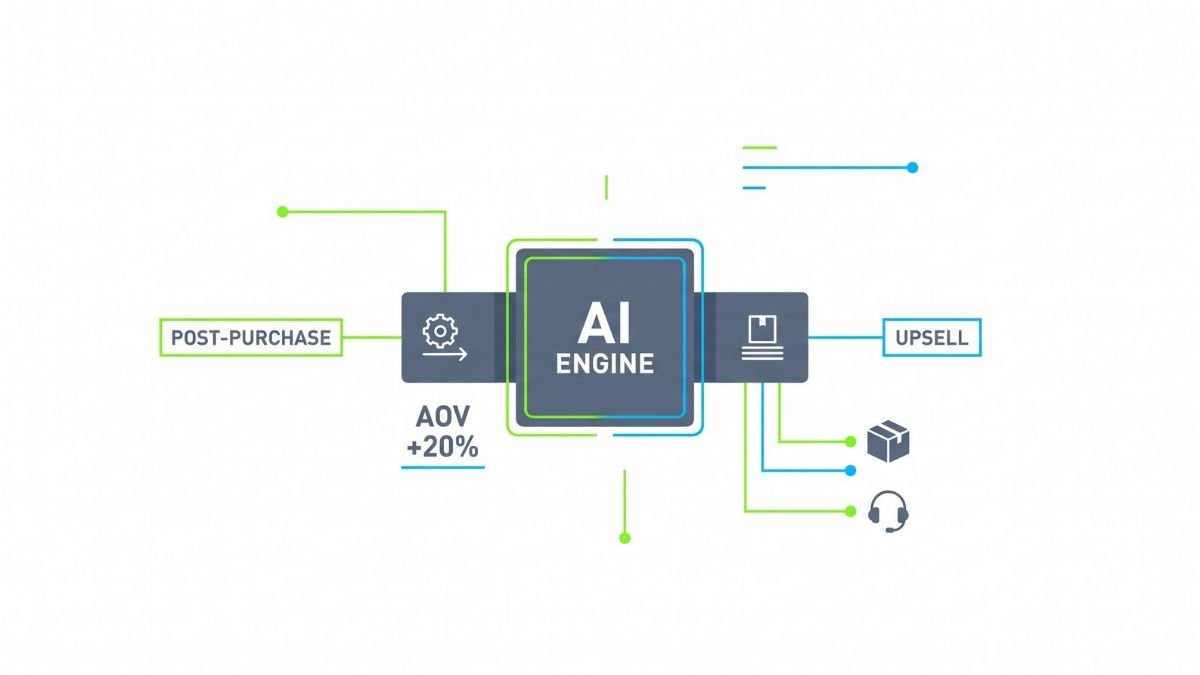
AI-Driven Product Recommendations (Using Rebuy)
Rebuy plugs into your Shopify store and uses order history, browsing behavior, and cart data to surface recommendations that actually make sense not just “bestsellers” shoved everywhere.
Where to deploy Rebuy widgets for maximum AOV lift:
-
Cart drawer — “You might also like” based on what’s in the cart, not blanket suggestions
-
Post-purchase page — feed it into your ReConvert flow for layered personalization
-
Search results — surface complementary items when shoppers are actively exploring
The real edge with AI recommendations is that they get smarter over time. After 60–90 days of data, the engine starts identifying non-obvious pairings things your merchandising team would never manually connect that drive consistent AOV increases of 10–25%.
Scaling Customer Lifetime Value (LTV) and Retention
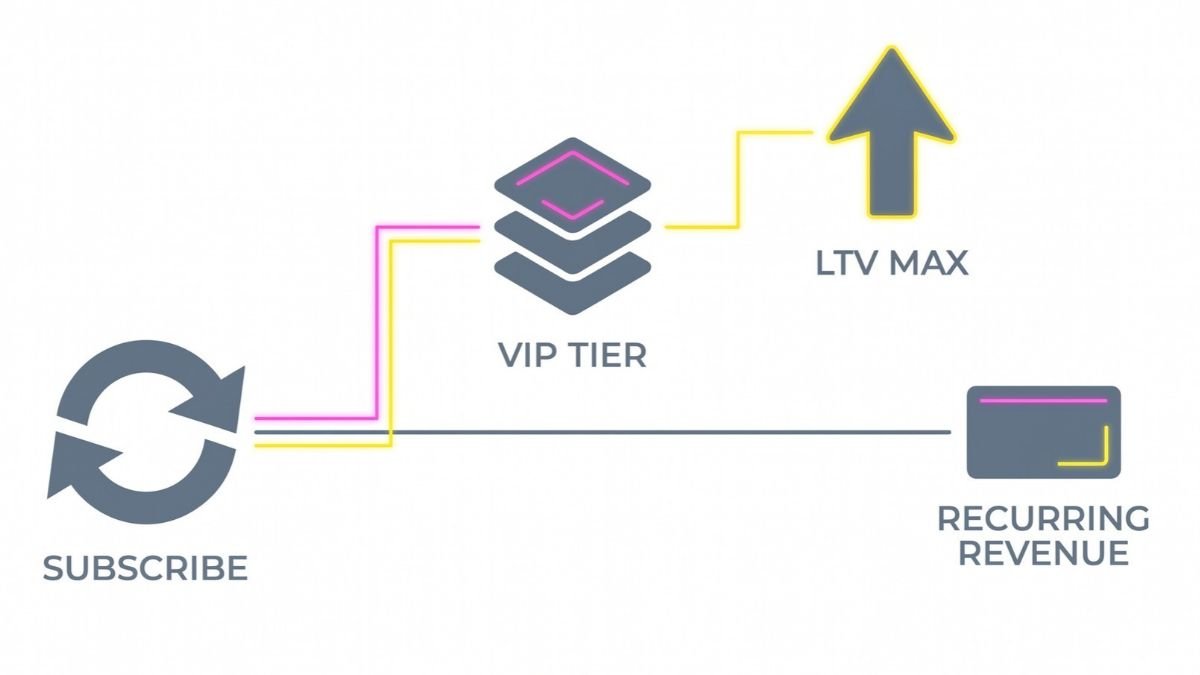
Transitioning One-Time Buyers Into Recurring Subscriptions (Skio vs Recharge)
Subscriptions are the fastest way to build predictable revenue on Shopify but the platform you choose matters more than most store owners realize.
| Feature | Skio | Recharge |
|---|---|---|
| Passwordless login | ✅ Native | ❌ Requires workaround |
| Shopify Checkout native | ✅ Yes | Partial (legacy issues) |
| Cancellation flows | Advanced | Basic |
| Pricing | % of revenue | Flat + % of revenue |
Skio wins heavily on modern UX especially its passwordless SMS login and built-in cancellation save flows. However, as we detailed in our comprehensive Skio vs Recharge review, Skio carries a massive $599/month base fee. If you are launching subscriptions from scratch, Recharge’s $99/mo plan is your starting point. But once you scale past $50k/month in recurring revenue, migrating to Skio is often the sharpest technical move to reduce involuntary churn.
To maximize subscription adoption, offer a clear incentive (10–15% discount or free shipping) and place the subscribe-and-save toggle above the one-time price on the product page not below it.
Calculating and Improving Your Ecommerce Returning Customer Rate
Your returning customer rate lives inside Shopify Analytics under Customers → Returning customer rate. A healthy benchmark for most DTC brands sits between 25–35%. Below 20%? You have a retention problem, not a traffic problem.
To move the needle:
-
Post-purchase email sequences — Send a “how to get the most out of your purchase” email at day 3, a replenishment nudge at day 21, and a review request at day 30.
-
SMS win-back campaigns — Lapsed customers (90+ days silent) respond 3x better to SMS than email. Keep it short and personal.
-
Personalized product recommendations — Use purchase history to suggest complementary items, not just bestsellers.
Even a 5% improvement in returning customer rate typically drops CAC payback period by weeks.
Establishing VIP Loyalty Tiers Without Hurting Profit Margins
The mistake most brands make with loyalty programs is discounting too aggressively. Protect margins by rewarding behavior, not just spend.
Structure tiers around:
-
Points for actions — Reviews, referrals, social shares, and purchases
-
Experiential perks at higher tiers — Early access, birthday gifts, or free samples instead of blanket discounts
-
Spend thresholds that match your AOV curve — If your AOV is $65, set Silver at $150 lifetime spend, Gold at $400
Tools like Loyalty Lion or Smile.io integrate directly with Shopify and let you cap discount exposure per tier, keeping your margins intact while making customers feel genuinely valued.
CONCLUSION
Getting sales on Shopify isn’t about luck it’s about putting the right strategies in place and staying consistent. From optimizing your store for conversions and driving targeted traffic through SEO, to building a loyal email list, using smart promotions, and leveraging upsells, every piece of the puzzle works together to grow your revenue.
Start small if you need to. Pick two or three strategies from this list, get comfortable with them, and then layer in more as you go. Check your data regularly, pay attention to where customers are dropping off, and keep tweaking. The stores that win on Shopify aren’t the ones with the flashiest designs they’re the ones that never stop improving. Your next sale is closer than you think.
Frequently Asked Questions on Increasing Shopify Sales
1. Why am I getting traffic to my Shopify store but no sales?
If you have high traffic but low conversions, you likely have a funnel leak. Instead of blaming your ads, check your GA4 funnel exploration tool. High drop-offs at the “View Item” stage usually mean slow page loads (DOM bloat) or poor trust signals. High drop-offs at “Begin Checkout” usually point to unexpected shipping costs or forced account creation.
2. How do I improve my Shopify store’s speed score to boost sales?
Stop relying on Shopify’s basic speed score and use Google PageSpeed Insights. Focus on improving Time to First Byte (TTFB) and Largest Contentful Paint (LCP). The most common technical fix is removing “DOM bloat” specifically, cleaning out old, unused app scripts left behind in your theme.liquid file and compressing hero images to under 200KB.
3. What is a good abandoned cart recovery strategy for Shopify?
Roughly 70% of e-commerce carts are abandoned. To recover them, rely on behavior-triggered automation using Klaviyo or Omnisend. A proven sequence is a 3-part flow: a reminder at 1 hour, social proof (reviews) at 24 hours, and a small discount or free shipping offer at 72 hours. Bundling SMS with your final email can lift recovery rates by 15–20%.
4. How can I increase Average Order Value (AOV) on Shopify?
The most effective way to increase AOV is through algorithmic and post-purchase upselling. Use an AI tool like Rebuy for pre-purchase cart drawer recommendations based on actual browsing data. Then, use ReConvert on your thank-you page to offer a highly relevant one-click upsell while the customer’s payment token is still active.
5. Should I use a custom checkout to get more sales?
No. As of 2024, Shopify deprecated most legacy checkout.liquid customizations. To maximize conversions and security, you must upgrade to Shopify Checkout Extensibility. This app-block-based system allows you to inject trust badges, custom fields, and one-page layouts natively without breaking Shopify’s highly optimized core payment flow.
6. What is a healthy Returning Customer Rate for a Shopify store?
A healthy returning customer rate for a growing DTC brand sits between 25% and 35%. If your rate is below 20%, you have a retention problem. You can fix this by implementing post-purchase educational emails, SMS win-back campaigns for 90-day lapsed buyers, and VIP loyalty tiers that reward actions over just pure discounts.
7. Which subscription app is best for building recurring revenue?
If you are scaling past $50k/month in recurring revenue, Skio is often the sharpest technical choice due to its passwordless SMS login, which drastically reduces involuntary churn. However, because Skio charges a $599/month base fee, newer stores launching subscriptions from scratch should start with Recharge’s entry-level $99/mo plan.

Pingback: How to Fix "Inventory Not Tracked" on Shopify (Bulk Edit & Setup Guide) -